

Azure Monitor Agent is Microsoft’s new agent for collecting monitoring data from virtual machines, servers, and applications. It helps companies track performance, collect logs, monitor security, and understand what is happening in their cloud environment.
Microsoft is replacing the old Log Analytics Agent with the Azure Monitor Agent. This means companies that are still using the old agent need to plan a migration. If they do not migrate, their monitoring setup may stop working properly in the future, and they may also face security and performance issues.
In this guide, we will explain what Azure Monitor Agent is, why you should migrate, and the 7 most important things you should plan before migrating.
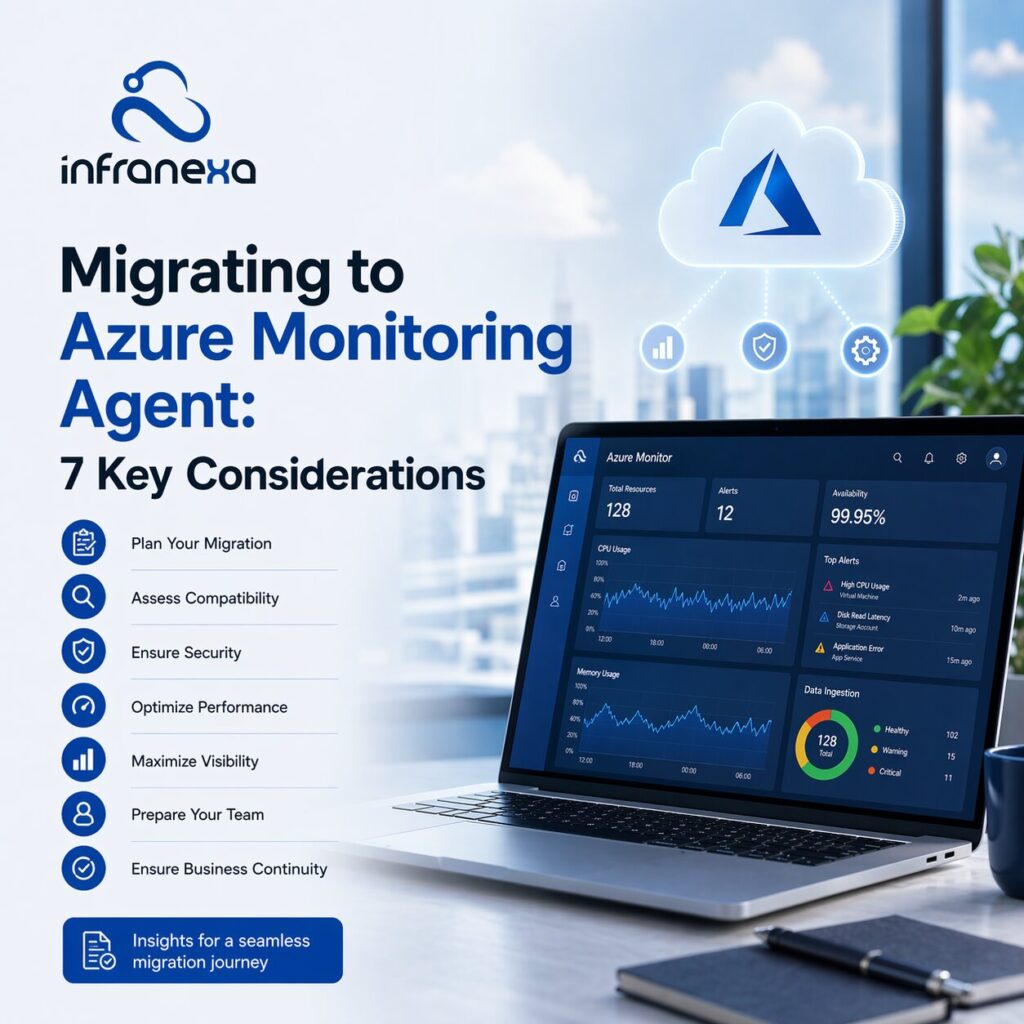
Azure Monitor Agent is a cloud monitoring agent used to collect logs, performance data, and security data from machines and applications and send that data to Azure Monitor and Log Analytics Workspace.
Compare both Microsoft monitoring agents and understand why Azure Monitor Agent is the recommended modern solution.
| Feature | Azure Monitor Agent | Log Analytics Agent |
|---|---|---|
| Status | New agent (Current) | Being retired by Microsoft |
| Data Collection | Uses Data Collection Rules (DCR) | Uses legacy configuration |
| Control Over Data | More control over what data is collected | Less control |
| Performance | Better performance and efficiency | Older and less efficient |
| Security | Improved security and access control | Basic security |
| Multi-Workspace Support | Supported | Limited support |
| Azure Policy Support | Yes | Limited |
| Hybrid & Azure Arc Support | Yes | Limited |
| Future Support | Long-term Microsoft support | End of support coming |
| Cost Control | Better control over data and costs | Less cost control |
Microsoft is retiring the Log Analytics Agent. This means companies should start planning migration to Azure Monitor Agent. Staying on the old agent can create risks such as lack of updates, security risks, and compatibility issues.
Azure Monitor Agent improves performance monitoring. It can collect CPU, memory, disk, and network data more efficiently. It also helps monitor applications and services more clearly.
This helps IT teams detect performance issues faster and fix problems before they affect users.
Azure Monitor Agent also improves cloud security monitoring. Companies can collect security logs, track user activity, and monitor system changes.
This helps improve security posture management and identity security posture management by giving better visibility into system access and activity.
With Azure Monitor Agent, all logs and monitoring data are stored in Log Analytics Workspace. This makes it easier to search logs, create alerts, and build dashboards.
Centralized monitoring helps companies manage multiple servers and environments from one place.
Before starting the migration, the first step is to check whether your systems support Azure Monitor Agent. Most Azure virtual machines support it, and it also works with on-premise servers through Azure Arc. However, not every older system or legacy setup may be supported.
This is why it’s important to first identify where your current Log Analytics Agent is installed. Make a list of all servers, virtual machines, and environments where monitoring is currently running. Once you have that list, you can verify whether Azure Monitor Agent can be installed on those systems. This avoids problems later during migration.
Log Analytics Workspace is where all your monitoring data will be stored. Before migrating, you need to decide how your workspaces will be structured.
Some companies keep one workspace for everything, while others create separate workspaces for different departments, projects, or environments such as production and testing. There is no single correct approach, but the decision affects cost, access control, and how easy it is to find logs later.
If the workspace structure is not planned properly, companies often face confusion later when logs are difficult to find or access is difficult to manage. That is why workspace planning should be done before installing the Azure Monitor Agent.
Azure Monitor Agent works using Data Collection Rules. These rules decide what data will be collected and where that data will be sent.
This is an important change from the older Log Analytics Agent because now you have more control over data collection. You can choose which performance metrics, event logs, and application logs you want to collect.
If Data Collection Rules are not configured properly, you may end up collecting too much data, which increases cost, or too little data, which means you may miss important information. So this step needs careful planning.
If your company has many servers or virtual machines, installing the Azure Monitor Agent manually on each machine can take a lot of time. This is where Azure Policy helps.
Azure Policy can automatically deploy the Azure Monitor Agent on machines and make sure all machines follow the same monitoring configuration. It also helps ensure that any new machine added in the future automatically gets the monitoring agent installed.
This makes monitoring easier to manage and keeps the environment consistent.
Before migration, you should decide what performance data is actually important for your business. Many companies collect too much data without planning, which increases monitoring costs and makes dashboards confusing.
Performance monitoring usually includes system metrics like CPU usage, memory usage, disk usage, and network usage. Some companies also monitor application performance and service performance.
The goal here is simple: collect the data that helps you detect problems and improve system performance, and avoid collecting data that you will never use.
During migration, you also need to think about who will have access to monitoring data. Monitoring data can include system logs, user activity, and security logs, so access should be controlled properly.
Role-based access control should be used so that only authorized people can view logs or change monitoring settings. This is an important part of cloud security monitoring and overall security posture management.
If access control is not planned properly, sensitive system data may be visible to the wrong users.
One of the most common mistakes companies make is migrating all systems at once. This can create problems if something is configured incorrectly.
A better approach is to start with a small test group. Install Azure Monitor Agent on a few machines, configure data collection, and check whether data is being sent correctly to Log Analytics Workspace. You should also test alerts, dashboards, and reports.
Once everything is working properly, you can continue with the full migration. This reduces risk and makes the migration process much smoother.
Migrating to Azure Monitor Agent is an important step for companies using Azure monitoring. Microsoft is replacing the Log Analytics Agent, so companies should start planning migration.
Before migrating, companies should plan their Log Analytics Workspace, configure Data Collection Rules, set up Azure Policy deployment, plan performance monitoring, and review security access. Testing the migration on a small group of machines is also very important.
A well-planned migration helps improve performance monitoring, cloud security monitoring, and overall system visibility.
If your company is planning Azure Monitor setup or Log Analytics agent migration, Infranexa can help plan and deploy the migration smoothly.
Azure Monitor Agent is a monitoring agent that collects logs and performance data from machines and sends it to Azure Monitor and Log Analytics Workspace.
Yes, Microsoft is retiring the Log Analytics Agent, and companies should migrate to Azure Monitor Agent.
A Data Collection Rule decides what data Azure Monitor Agent will collect and where the data will be sent.
Yes, Log Analytics Workspace is used to store and analyze monitoring data collected by Azure Monitor Agent.
Yes, Azure Policy can be used to deploy Azure Monitor Agent automatically across multiple machines.
Migration time depends on the number of machines and complexity, but most companies complete migration in phases over a few weeks.