
Choose Windows 365 if you want a fixed monthly price per user and minimal IT work. Choose Azure Virtual Desktop (AVD) if you already pay for Microsoft 365, want several users sharing one virtual machine, or need deep customization. Choose AWS WorkSpaces if AWS is your main cloud, you need Linux desktops, or you prefer simple per-desktop pricing. Many organizations combine two of them.
Key Takeaways
In This Guide
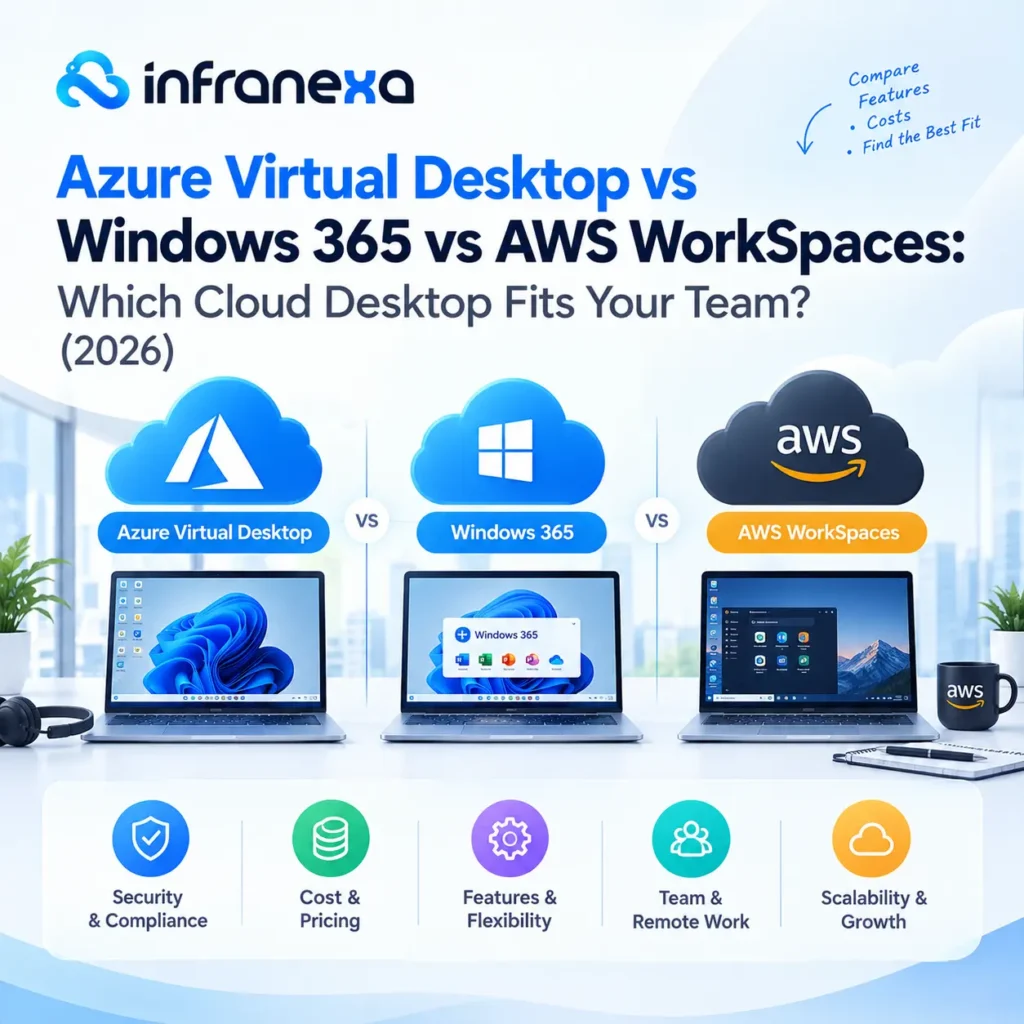
Rising Citrix and VMware Horizon renewal costs have pushed many IT teams to look at cloud-native options. The three biggest are Microsoft’s Azure Virtual Desktop and Windows 365, and Amazon’s WorkSpaces. All three deliver a full desktop from the cloud to any device, but they are built, billed, and managed very differently.
Azure Virtual Desktop is Microsoft‘s desktop and app virtualization service. It runs inside your own Azure subscription, where you control the virtual machines, networking, storage, and scaling. Its standout feature is Windows 11 multi-session, which lets several users share one VM.
Windows 365 gives each user a dedicated Cloud PC for a fixed monthly fee. Microsoft hosts and runs the infrastructure, and IT manages Cloud PCs through Microsoft Intune. Think of it as a laptop in the cloud.
Amazon WorkSpaces is AWS‘s desktop-as-a-service. AWS runs the infrastructure, while you manage desktop bundles, images, and directory integration. WorkSpaces supports Windows and Linux desktops, making it the only option of the three with Linux.
| Factor | Azure Virtual Desktop | Windows 365 | AWS WorkSpaces |
|---|---|---|---|
| Pricing model | Pay for Azure resources used | Fixed price per user per month | Per desktop, monthly or hourly |
| Multi-session | Yes (Windows 11) | No | No |
| Operating systems | Windows | Windows | Windows and Linux |
| Management | Azure Portal | Microsoft Intune | AWS Console |
| IT effort | High | Low | Medium |
| Best for | Microsoft 365 shops, high user density | Simple, predictable desktops | AWS-first teams, Linux users |
The biggest difference is how you pay. Windows 365 bills a flat rate per user, while Azure Virtual Desktop bills for what you actually consume. Windows 365 Business Cloud PCs are capped at 300 users per tenant and received a 20% list price reduction in May 2026.
AVD carries no per-user fee for people who already hold an eligible Microsoft 365 or Windows license, so you pay mainly for VMs, storage, and networking. That can make it the cheapest option at scale, but costs climb quickly if VMs run when nobody is using them. WorkSpaces offers monthly pricing for full-time users and hourly billing for part-time users, which suits light or occasional use.
In every case, autoscaling, right-sizing, and reserved capacity make the biggest difference to your final bill. That’s where ongoing cloud cost optimization pays off.
Both run on Microsoft’s cloud, but AVD is infrastructure you configure, while Windows 365 is a finished product you subscribe to. AVD wins on flexibility and cost at scale. Windows 365 wins on simplicity.
AVD fits organizations built on Microsoft 365 and Entra ID. WorkSpaces fits organizations whose apps and data already live on AWS, or that need Linux desktops.
Both give each user a dedicated desktop with predictable pricing. WorkSpaces doesn’t offer Windows client multi-session, so each user gets an individual desktop, the same model as Windows 365. Windows 365 integrates more tightly with Microsoft 365 and Intune, while WorkSpaces integrates with the AWS ecosystem and supports Linux.
Moving to any of these platforms is more than a license swap. User profiles, applications, identity, and networking all need to be mapped to the new platform, and there’s no one-click migration tool. A phased cloud migration plan, starting with a pilot group, keeps disruption low and lets you compare real costs before committing.
AVD is a flexible virtual desktop platform you configure and pay for by usage. Windows 365 is a fixed-price Cloud PC per user that Microsoft manages.
It depends on usage. WorkSpaces hourly billing suits part-time users, while AVD multi-session is often cheaper when many users share VMs.
AWS WorkSpaces. Azure Virtual Desktop and Windows 365 focus on Windows desktops.
Yes. Many organizations use Windows 365 for dedicated users and AVD for shared or temporary users.
Windows 365 is usually the simplest choice for small teams that want predictable costs and little setup work.
A pilot can run in a few weeks. A full migration depends on the number of users and apps, and how complex your current environment is.
Infranexa is a vendor-neutral partner that runs managed AWS and Azure services every day. We help teams choose the right cloud desktop, plan a phased migration from Citrix, Horizon, or RDS, and keep costs under control after go-live.