
AWS Savings Plans vs Reserved Instances: Which Should Your Startup Buy?

Auther : Infranexa team
Date: November 16, 2026
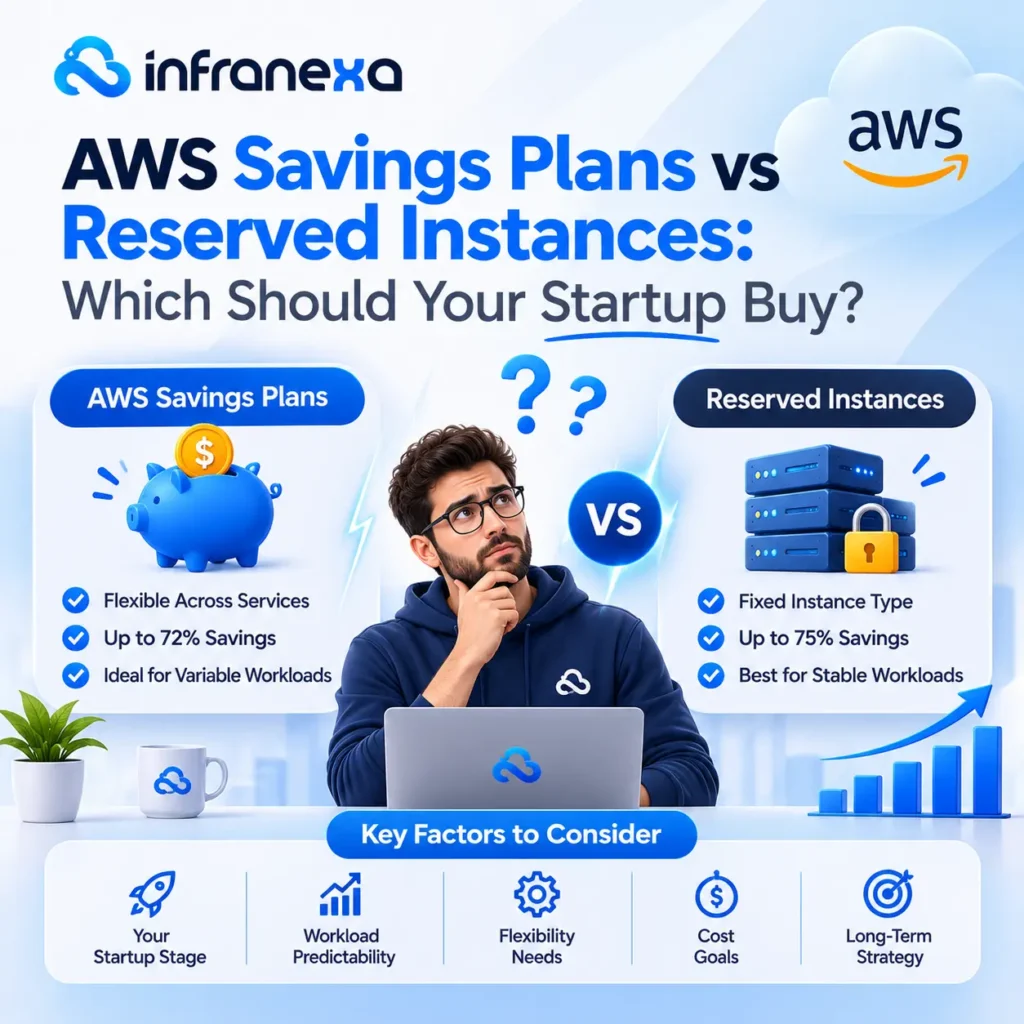
For most startups, a Compute Savings Plan is the better choice than Reserved Instances. It gives up to 66% off EC2, Fargate and Lambda in exchange for a one- or three-year spending commitment, and it keeps applying when you change instance types, regions or move to containers. Reserved Instances still make sense when you need guaranteed capacity in a specific zone, or for services Savings Plans don’t cover. Either way, only commit to the spend you’re sure you’ll have, not your peak.
The short version
Savings Plans Reserved Instances
What you commit to A dollar amount per hour (for example, $10/hour) A specific instance type or database setup
Term 1 or 3 years (Database Savings Plans: 1 year) 1 or 3 years
Flexibility Applies automatically as your usage changes Tied to what you reserved
Covers containers and serverless Yes, Compute Savings Plans cover Fargate and Lambda No
Reserves capacity No Zonal Reserved Instances do
Best for Most startups whose setup is still changing Fixed, predictable workloads

All Savings Plans figures in this post come from the AWS Savings Plans FAQ, checked November 16, 2026.
The four types of Savings Plans

Type Maximum discount Covers
Compute Savings Plans Up to 66% EC2, Fargate and Lambda, any instance family or region
EC2 Instance Savings Plans Up to 72% EC2, one instance family in one region
SageMaker Savings Plans Up to 64% SageMaker machine learning instances
Database Savings Plans Up to 35% Aurora, RDS, DynamoDB, ElastiCache, DocumentDB, Neptune, Keyspaces, Timestream, DMS and OpenSearch

The “up to” figures are the maximums, usually for a three-year term paid upfront. One-year, no-upfront plans save less.

Database Savings Plans are the change most guides miss

AWS now offers Savings Plans for databases. They cover newer (Generation 7 and later) database instances across services, instance types and regions. They come with a one-year term and no upfront payment. That makes them much easier to start with than database Reserved Instances, which lock you into one database setup.

One catch: you can’t combine Database Savings Plans with Reserved Instances on the same database workload. Use one or the other for each database.

When Savings Plans are the right choice

  • Your setup is still changing. You might resize servers, try newer chips, or move from EC2 to containers. A Compute Savings Plan follows you.
  • You use Fargate or Lambda. Reserved Instances don’t cover them.
  • You don’t want to manage reservations. Savings Plans apply automatically. No exchanges, no tracking which reservation matches which server.

When Reserved Instances still make sense

  • You need guaranteed capacity. A zonal Reserved Instance reserves capacity in a specific availability zone. Savings Plans don’t, though AWS lets you pair them with On-Demand Capacity Reservations.
  • The service isn’t covered by Savings Plans. Check your bill for services outside the lists above before assuming a Savings Plan covers everything.
  • The workload truly won’t change for years, and an EC2 Instance Savings Plan or Standard Reserved Instance gives a deeper discount for that exact setup.

How much should you commit?

  • This is where startups lose money. A commitment is charged whether you use it or not.

    1. Look at your lowest steady usage, not your average. In AWS Cost Explorer, find the hourly spend you’ve had every hour for the last 30 to 60 days. That floor is your safe commitment.
    2. Commit to part of the floor first. Many teams start below the floor, then add a second plan a few months later. Several smaller plans are easier to adjust than one big one.
    3. Start with one year and no upfront. You save less than a three-year, all-upfront plan, but you keep your options open while the product is still changing.
    4. Use AWS’s recommendations as a starting point. Cost Explorer suggests a commitment based on your past usage. Check it against your plans for the next year. If you’re about to move to containers or cut a big customer, the past isn’t a good guide.

Common mistakes

  • Committing to peak usage. You’ll pay for capacity you don’t use in quiet months.
  • Buying before cleaning up. Shut down idle servers and right-size first. Otherwise you lock in a discount on waste. Our AWS cost optimization guide covers the clean-up steps.
  • Buying three-year plans too early. If the product, the architecture or the cloud provider might change, a three-year commitment is risky.
  • Forgetting to track coverage. As your usage grows, your plan covers a smaller share. Check coverage every quarter.

Savings Plans, Reserved Instances and credits

If you’re on AWS Activate credits, wait before buying. Credits already cover your bill, and a commitment made now may not match what you run when the credits end. Plan the purchase for the month before credits run out.

How Infranexa helps

Infranexa manages cloud and DevOps for startups on AWS and Azure for a fixed monthly fee. Part of that is cost: we clean up waste first, size the right commitment from your actual usage, and review coverage every quarter as you grow, so you get the discount without paying for capacity you don’t use.

Book a free cloud assessment and we’ll tell you how much of your AWS bill could be covered by a Savings Plan.

Frequently Asked Questions

Are Savings Plans better than Reserved Instances?

For most startups, yes, because they’re more flexible and cover Fargate and Lambda. Reserved Instances are still useful when you need reserved capacity or for workloads that won’t change.

Compute Savings Plans cover EC2, Fargate and Lambda. EC2 Instance Savings Plans cover one EC2 instance family in one region. SageMaker Savings Plans cover SageMaker. Database Savings Plans cover Aurora, RDS, DynamoDB, ElastiCache, DocumentDB, Neptune, Keyspaces, Timestream, DMS and OpenSearch.

Generally no. A Savings Plan is a commitment for its full term, which is why it’s safest to commit only to usage you’re sure of.

Fill Out Your Details